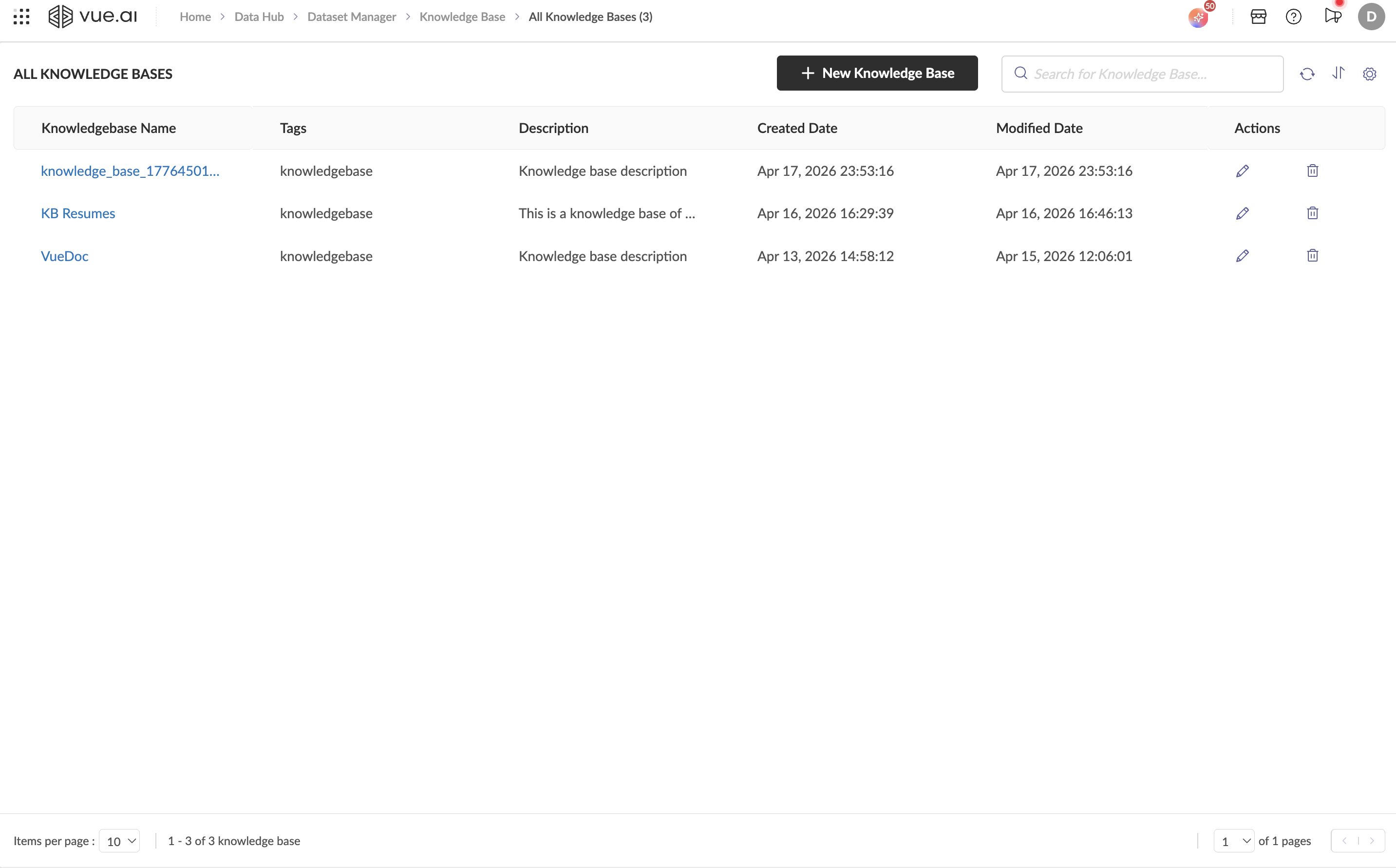

Knowledge Base
The Knowledge Base feature in the Dataset Manager allows you to build centralized repositories of unstructured content — such as PDFs, Markdown files, CSVs — and query them using natural language through a built-in AI chat interface.
What You Can Do
With Knowledge Base, you can:
- Create Knowledge Bases: Set up named, tagged, and described collections of knowledge.
- Upload Documents: Ingest files in multiple formats (PDF, Markdown, JSON, CSV, plain text) via drag-and-drop upload or provide accessible urls for the same.
- Query with AI Chat: Use the built-in Knowledge Base Chat to ask questions and get AI-generated answers grounded in your documents.
- Manage Sources: View, add, and organize linked sources with status tracking.
Guides in This Section
| Guide | Description |
|---|---|
| Create a Knowledge Base | Step-by-step guide to creating and configuring a new Knowledge Base |
| Manage Sources | How to add, view, and manage documents and URLs linked to your KB |
| Query a Knowledge Base | How to use the built-in KB Chat to retrieve information from your documents |
Getting There
Navigate to: Data Hub → Dataset Manager → Knowledge Base